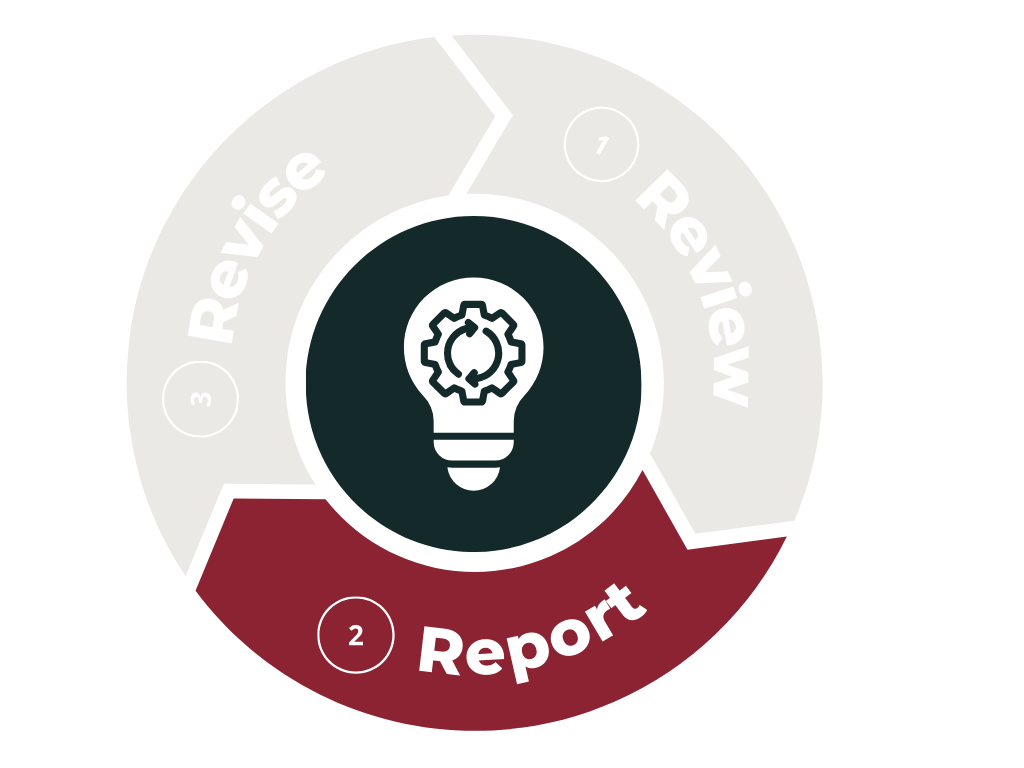
The reporting phase is your opportunity to document and share what your program has learned from its assessment work over the past academic year. Each year, the reporting window runs from June 1 through October 31, during which programs can submit their Program Assessment Reports for the completed academic cycle (Summer through Spring).
This step ensures that your assessment results are formally recorded, accessible, and usable for institutional planning and continuous improvement. Reporting helps highlight successes, identify areas for growth, and demonstrate your program’s commitment to supporting student learning through thoughtful, evidence‑based practices.
Before Getting Started
Important Questions to Answer during the Report Step
What questions did we try to answer with our assessment work this past year and what what answers did we get?
What successes in student learning do we want to share with others?
What areas of concern regarding student learning do we need to address in the coming year and what plans do we have for addressing each one?
How does our collected data align with what we are reporting about student learning?
Step 1. Read the report questions
The report questions for this year are available only within the Assessment Canvas course. To request access, please contact our Director of Assessment, Stephen Riley. Once you have access, you can review the questions that will appear on this year’s program assessment report. Please note that these questions are updated annually, and you are encouraged to download the document for your reference.
Step 2. Gather information and documents to fill out report.
Supporting files and templates for this step are available only within the Assessment Canvas course. If you already have documentation related to student learning outcomes (such as tables, graphs, or reports), you do not need to use the additional file provided. However, if you do not currently have documentation of student learning at the program level, the available table is designed to help you organize data related to how your program learning outcomes were assessed during the past year. This file may be used as a supporting document to track assessment data when existing documentation is not available.
Step 3. Submit the annual program assessment report
Timeline for Program Assessment Reports
The window for submitting your annual program assessment report is June1st through October 31st.
Specialized Accreditation Reports
A reminder that if your program has specialized accreditation and you complete a report for the accreditor, you can submit that report as your annual program assessment report. There is an option within the form to do so. If you have questions regarding this option, please contact the Director of Academic Assessment.
Completing the Report
Remember you can stop and return to the form within one month and you will be able to continue from where you left off.