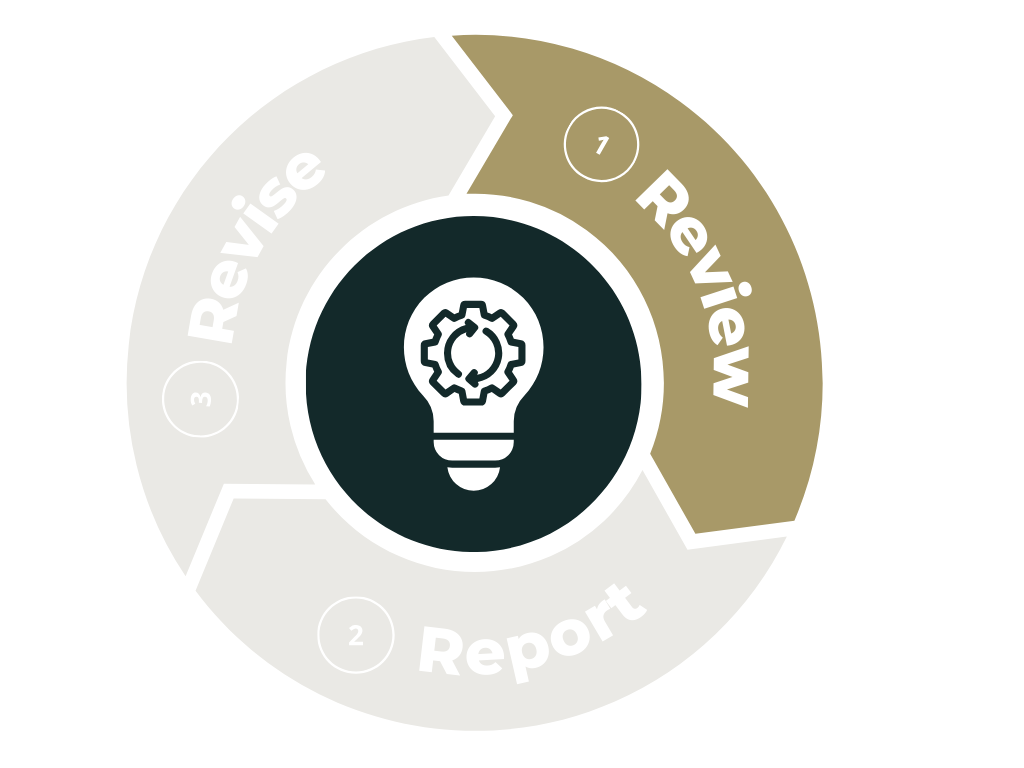
The review phase of the assessment cycle
 
The review phase is your opportunity to pause and reflect on how well your program’s assessment strategies are supporting student learning. Before submitting your annual Program Assessment Report, take time to revisit the goals, methods, and findings from the previous academic year. This step helps you identify what worked well, where adjustments may be needed, and how your outcomes align with your program’s evolving priorities.
 
In this page, you’ll find a step by step guide to completing the review phase.

Before Getting Started

Important Questions to Answer during the Review Step

  • How does our assessment work align with our program mission and values?
  • How did we follow up on our assessment plan from last year and what did we learn?
  • How does this year’s data compare with last year’s data?
  • Is there any missing information that we need to find so that we can more fully understand our assessment?
  • How does our program’s data align with institutional data?
  • What would be the key take away we want to highlight from our data about student learning?

Step 1. View Your Previous Reports

Previous report information is available through the OTL Assessment Canvas course. To request access, please contact our Director of Assessment, Stephen Riley. Once access is granted, open the accordion for your college or school to view available reports from past years. You will see your college, department, or program displayed as a folder based on your role. Within program folders, reporting documents from past years are organized by academic year.


Step 2. Review Program Mission, Outcomes, and Curriculum

If you need help reviewing your program’s mission, outcomes, or curriculum, the relevant links are available only within the Assessment Canvas course. To request access, please contact our Director of Assessment, Stephen Riley. Once you have access, you can select the appropriate link for your program, which will take you to the current DU Bulletin. From there, choose your program from the left-hand navigation to view the available information.

If you need assistance aligning your program outcomes with Institutional Outcomes, you can access the Institutional Learning Outcomes page within the Canvas course to review undergraduate, common curriculum, and graduate student learning outcomes.

Step 3. View Available Dashboards

This link will take you to the login page for DU’s Data Insights.  This site, run by Institutional Research, has dashboards on various institutional data.