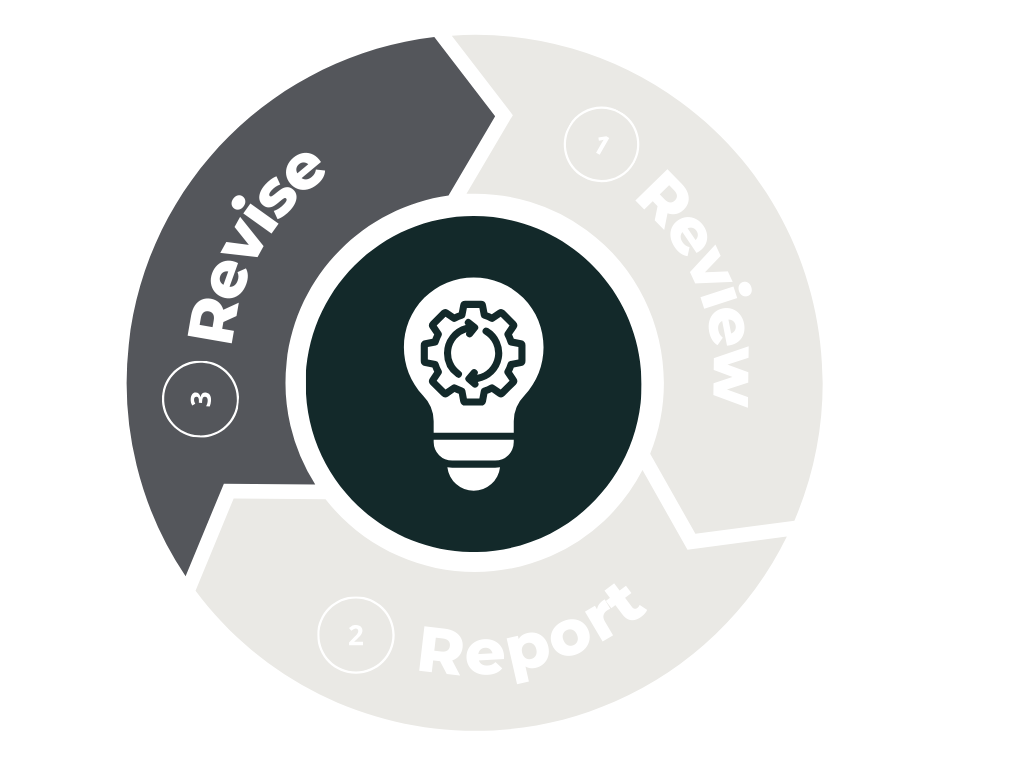
The revise phase is where programs look ahead. After reviewing last year’s results and submitting your annual report, this step helps you refine or adjust your assessment plan for the upcoming academic year. Revision may involve updating learning outcomes, selecting new measures, refining existing methods, or planning improvements based on what you learned from the previous cycle.
Revising your plan early—ideally before or at the start of the academic year—ensures that your assessment work remains intentional, aligned with program goals, and responsive to student learning needs. The resources provided here can support you at any point in the process, whether you are making small updates or rethinking your approach more broadly.
Before Getting Started
Important Questions to Answer during the Revise Step
What questions about student learning do we want to answer in the coming year?
What strategies do we want to use to document student learning through our assessment work?
Are there areas of our program assessment that could be strengthened? If so, what is one area we would like to focus on this coming year?
What resources do we need to improve our assessment of student learning and make it more meaningful for ourselves and our students?
Assessment Planning Template
Planning for assessment is essential to obtaining meaningful and measurable information about student learning. The Assessment Planning Template, available only within the Assessment Canvas course, serves as a guide to the key steps in this process. To request access to the Canvas course, please contact our Director of Assessment, Stephen Riley.
By following the steps outlined in the template, you will engage in collecting and reflecting on meaningful data related to student learning outcomes. Once you have access, you can open the template by clicking the button below. The resources listed below the template within the Canvas course provide additional support for specific parts of the assessment process.
General Assessment Resources
The following resources are helpful for seeing good assessment practices that can be adopted by almost any program.
Director of Assessment Annual Reports
Below are the annual assessment reports written by the Director of Academic Assessment. These reports detail the assessment work across campus and highlight good assessment practices that can be used by others. If you have any questions about these reports, please contact the Director of Academic Assessment.
2023-2024 Assessment Report
2022-2023 Assessment Report
2021-2022 Assessment Report
Specific Assessment Topics
The following resources offer guidance on specific areas of assessment work that can help you reflect on student learning.
Learning Outcomes
Academic assessment is conducted in various ways. However, for it to be truly effective and meet its three main purposes, assessment should encompass these three key components: articulating learning outcomes, gathering evidence of student learning, and engaging in analysis, reflection, and reporting. The following learning outcomes toolkit is designed to help you understand these processes and develop meaningful learning outcomes for your assignment, course, or program.
Canvas Outcomes feature
Reference this quick start guide on using the Canvas Outcomes Feature to add your outcomes, align them with your assignments, and track student learning.
Curriculum Mapping
Curriculum mapping in higher education is a process that visually represents the alignment between student learning outcomes and the courses or experiences within a curriculum. It serves as a planning tool to ensure that the expected learning outcomes are taught and assessed throughout the curriculum. This mapping can be done for both new and existing curricula, providing a clear picture of where and how learning outcomes are addressed. Explore our curriculum mapping toolkit for a guide on how to map your program.
Rubrics
Have your students ever asked, “Why did you grade me that way?” or stated, “You never told us that we would be graded on grammar!” As a grading tool, rubrics can address these and other issues related to assessment: they reduce grading time; they increase objectivity and reduce subjectivity; they convey timely feedback to students and they improve students’ ability to include required elements of an assignment (Stevens & Levi, 2005). A rubric is an explicit set of criteria used for assessing a particular type of work or performance (TLT Group, n.d.) and provides more details than a single grade or mark. Rubrics can help remove some biases in grading and help you grade more clearly and quickly. Explore our guide on rubrics for assessment to help you identity what type of rubric you may need, steps to develop your rubric, and how to use AI to create rubrics.
Canvas rubrics feature
The Canvas LMS rubric feature allows instructors to create and add rubrics to assignments, graded discussions, and quizzes. Rubrics help students understand the expectations for their assignments and how their submissions will be scored. Instructors can either find an existing rubric in their courses or create a new one. Rubrics can be customized with various settings, such as free-form comments, removing points, and using the rubric for grading in SpeedGrader.
Additionally, rubrics can be aligned with course outcomes and used to measure and report Assurance of Learning (AoL) through the Learning Mastery Gradebook. This feature enhances the consistency and standardization of record-keeping methods, making it easier for faculty to assess student performance and track progress.